

Workpal FAQs

Frequently Asked Questions
Workpal Access
Q1. How do I download Workpal?
Download the Workpal mobile app from the App Store (iOS) or Google Play (Android).

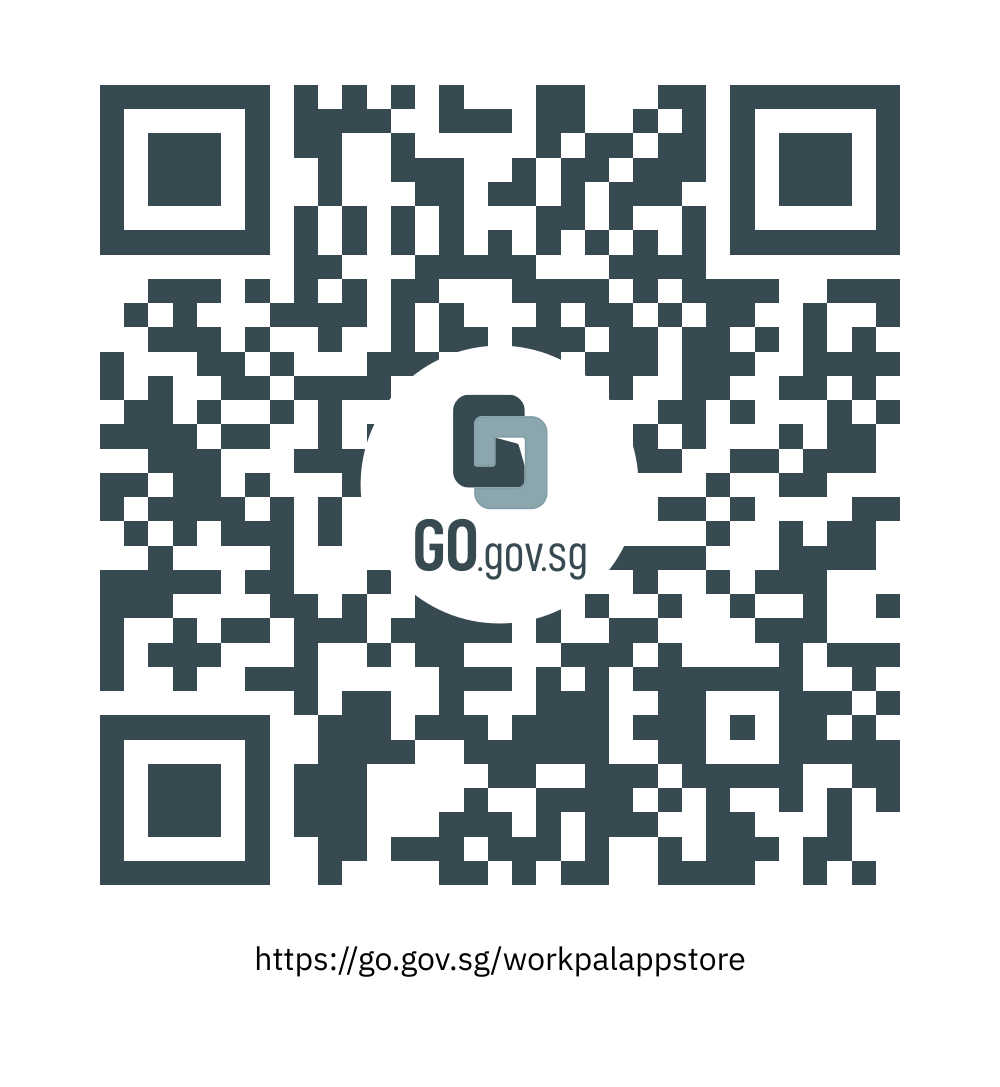
|

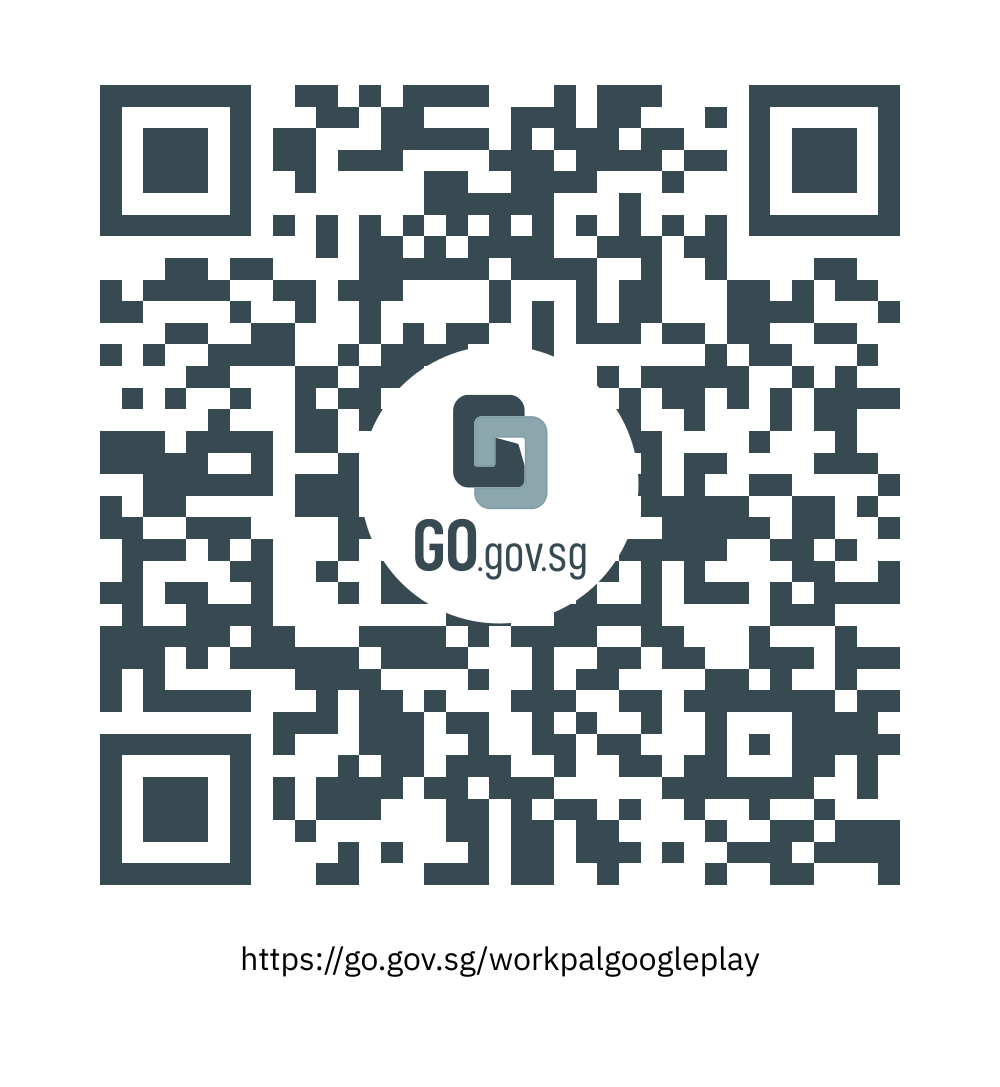
|
|---|
Q2. How do I find resource booking on Workpal?
Open the Workpal mobile app, tap "Book CoWork & Resource", select your agency (MINDEF/SAF), then choose your preferred location and time slot.
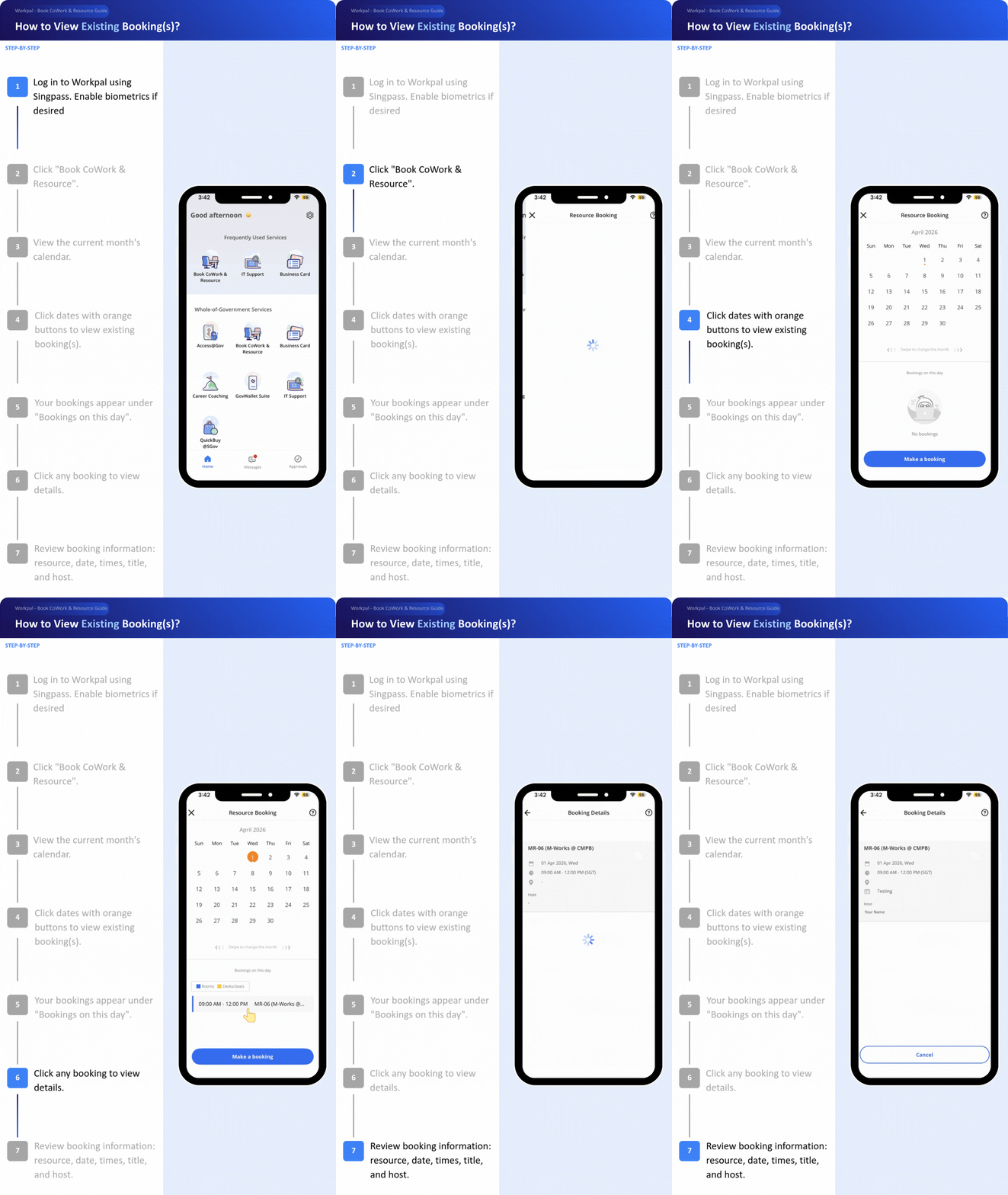
Q3. What services are available on Workpal?
MINDEF/SAF uses Workpal for a range of services, including Access@Gov, Book CoWork & Resource, Business Card, Career Coaching, GovWallet Suite, IT Support, and QuickBuy @SGov.
Q4. When can I start using Workpal to book resources?
Resource booking through "Book CoWork & Resource" will go live on Workpal on 1 Apr 2026 at 12am. You may download the app now to familiarise yourself with the interface before the launch.
Technical Issues
Q5. I can't find my agency (MINDEF/SAF) on Workpal. What should I do?
Please ensure your app is updated to the latest version. When selecting your agency, look for MINDEF/SAF.
If the issue persists, go to Workpal, tap "IT Support", select "Book CoWork & Resource", tap "Other Book CoWork & Resource-related issues", and select "Report IT issue to FormSG".
You will be directed to an external form to input your details and report the issue through FormSG.
Q6. Can I still use the Book app after 31 Mar 2026?
No. The Book app will cease operations on 31 Mar 2026 at 6pm. All bookings from 1 Apr 2026 onwards must be made through the Workpal mobile app.
Q7. Can I book resources via the web browser instead of the mobile app?
Workpal does not have a web browser version; therefore, bookings can only be made through the mobile app.
Booking-Related Queries
Q8. What happens to my bookings from 1 May 2026 onwards?
You will need to rebook these manually on Workpal after it launches on 1 Apr 2026. We recommend noting down your existing bookings from 1 May 2026 onwards in the Book app so you can rebook them on Workpal.
Q9. Can I still make advance bookings on Book app for dates after 1 Apr 2026?
No. Since 15 Jan 2026, the Book app no longer accepts bookings for 1 Apr 2026 onwards. All bookings will be allocated on a first-come, first-served basis when the platform launches on 1 Apr 2026 at 12am.
Q10. Will my existing bookings for 1 to 30 Apr be accessible on Workpal?
Yes. Existing bookings for transitioning resources from 1 to 30 Apr will be accessible through Workpal after it goes live.
Q11. How do I make a resource booking on Workpal?
Please refer to our video guide on making bookings.
Q12. I need to deconflict a booking but cannot see who booked the resource. This information was available in Book - why is it unavailable on Workpal?
We understand this is inconvenient and have requested GovTech to add a feature showing who booked each resource, which they're implementing for MINDEF/SAF. In the meantime, please submit your query at https://go.gov.sg/contactrb for assistance with identifying the employee.
Other General Queries
Q11. Which workplaces are available for booking on Workpal?
|
SAF Resources |
MINDEF Resources |
M-Works Resources |
|---|---|---|
|
Bukit Panjang Camp |
Depot Road Camp - DTTB |
Please refer to M-Works. |
|
Changi Naval Base - Invent Campus |
MINDEF Annex |
|
|
Sembawang Air Base |
MINDEF Building |
|
|
Chong Pang Camp |
Network Terminals Office @ CMPB |
|
|
Paya Lebar Air Base |
||
|
Tengah Air Base |
||
|
Changi Air Base (West) |
||
Q12. Are all MINDEF/SAF resources on Workpal?
CMPB resources are listed under MINDEF/SAF Employees Experience (MEX). You can access MEX through the web at https://employees.defence.gov.sg or via the mobile app.
Q13. What is the check-in policy?
You may check in 15 minutes before your booking start time. If you do not check in within 30 minutes of the start time, the booking will be automatically cancelled and marked as a "No-Show".
Q14. What are the responsible booking practices I should follow?
Please book only what you actually need (appropriate resource size and duration), cancel or modify bookings promptly when plans change, avoid making multiple consecutive or "just-in-case" reservations, and always check in and check out properly.
Q16. Who has access to Book CoWork & Resource on Workpal?
Military Regulars, DXOs, and seconded personnel have access to MINDEF's services on Workpal. NSFs and IWF/MAC do not have access.
Q17. Why can’t I find the resource that I used to book under Book app?
-
Workpal contains workplace resources that are open for all employees to book. Resources that are open only to a limited group of employees will not be included in Workpal for booking.
-
You will have to contact the respective resource administrators for advice.